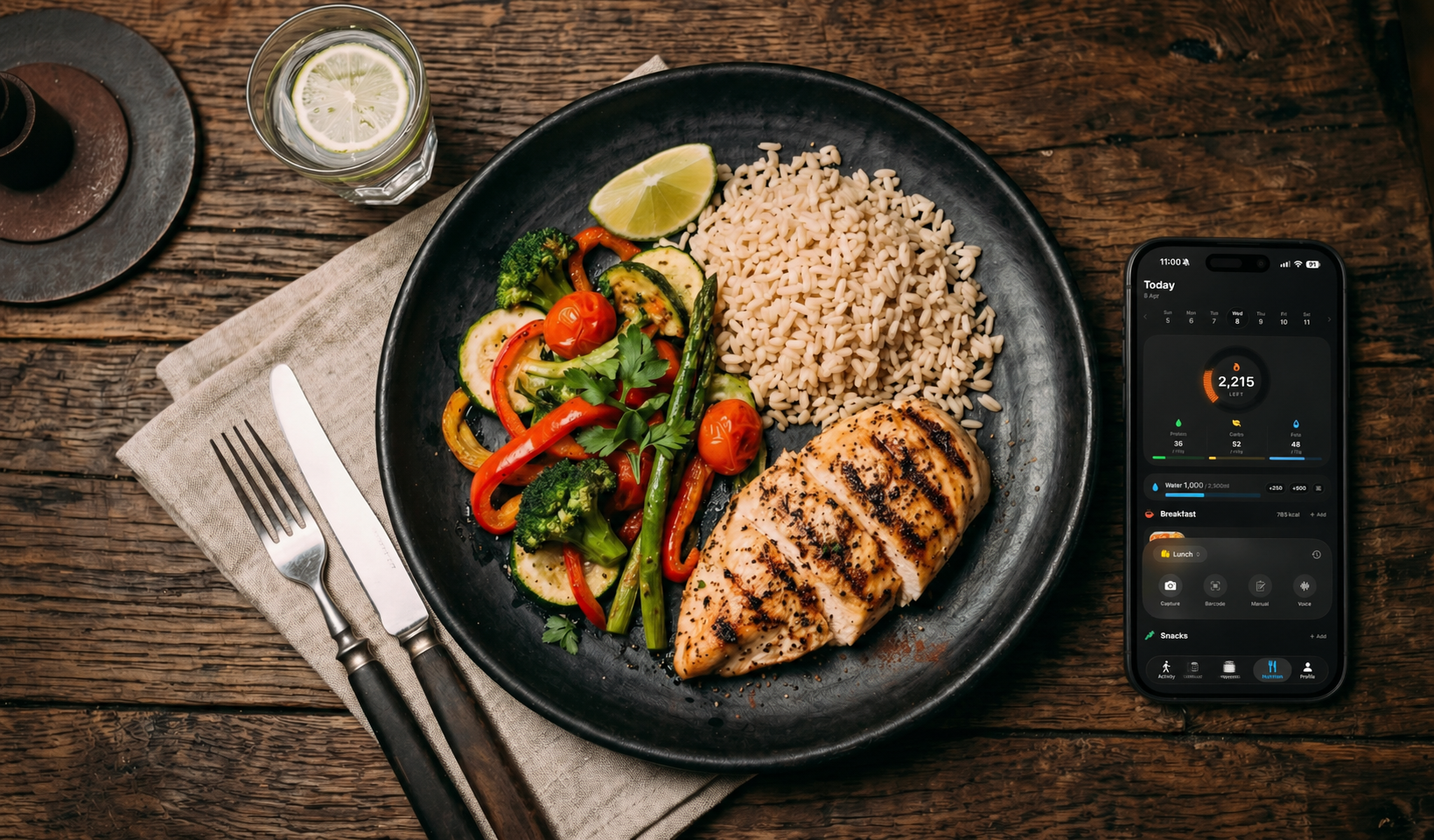
Nutrition tracking is one of the most powerful tools for reaching your fitness goals, but it also has one of the highest dropout rates. Most people stop logging within the first week. The reason is almost always the same: it takes too long.
When you are rushing between meals, meetings, or sets at the gym, nobody wants to spend two minutes searching for "grilled chicken breast with brown rice and steamed broccoli" in a database. That friction is what kills consistency.
LiftZone Workouts was designed to remove that friction entirely. There are four ways to log a meal, and each one takes just a few seconds.
Say what you ate
The fastest way to log a meal in LiftZone Workouts is simply to speak. Open the voice logger, describe what you just ate in plain language, and the app handles the rest. You do not need to tap a button to stop. Just pause naturally and it processes your words automatically.
This works exactly the way you would describe food to a friend. "Two eggs and toast with butter" or "chicken salad with avocado" is all it takes. The app understands natural descriptions, corrects any misheard words, and fills in the calorie and macro breakdown for you.
Your spoken note is turned straight into a meal entry, and nothing is kept afterwards — no recordings are stored. It is the ideal option for quick meals when you already know what you ate and just need to get it logged.
Scan your plate with the camera
Sometimes it is easier to show than to tell. LiftZone Workouts lets you point your phone camera at whatever you are eating and the app identifies the food visually. It presents its best guesses and you pick the closest match. The nutrition data fills in instantly.
This works especially well for single dishes you can clearly see: a plate of pasta, a bowl of rice, a piece of grilled fish. It is less precise with heavily mixed meals, but for most everyday eating situations it gets you a solid estimate within seconds.
And when there are several things on the plate at once, LiftZone Pro adds a sharper scan that reads them all together — so even a mixed meal is logged in a tap or two.
Scan the barcode
For packaged foods like protein bars, yogurt, cereal, or drinks, barcode scanning is by far the most accurate method. Just hold the barcode in view of your camera and LiftZone Workouts pulls the nutrition facts directly from the label.
Since you are getting the exact manufacturer data, there is no estimation involved. If a significant portion of your diet comes from packaged food, this should be your primary logging method.
Search and log manually
The classic approach still works and it works well. Type a food name into the search bar and LiftZone Workouts searches a comprehensive nutrition database covering whole foods, prepared dishes, and branded products.
The search is designed to be smart about portions. It understands that a typical serving of chicken is different from a typical serving of nuts, so you are not stuck doing mental math on raw per gram numbers. You can always adjust the portion size if you need to.
Why this matters for your goals
Regardless of which method you use, LiftZone Workouts tracks the four numbers that matter most for body composition: calories, protein, carbs, and fat. Whether you are trying to lose weight, build muscle, or simply eat more consistently, keeping these numbers visible throughout the day changes your decision making in a meaningful way.
Hydration is tracked separately with a quick add button right on your dashboard. Small details like this make the difference between an app you use for a week and one you actually stick with.
All of your nutrition data stays completely private. It is stored in your personal iCloud account and nobody else, including us, can see it.
Try all four logging methods in LiftZone Workouts.
Download LiftZone Workouts